Capturing the Deep Cosmos
Deep-sky nebulae, ancient galaxies, and planetary portraits captured from Pacific Northwest dark sky reserves. Complete with telescope specifications, exposure logs, and processing pipelines.
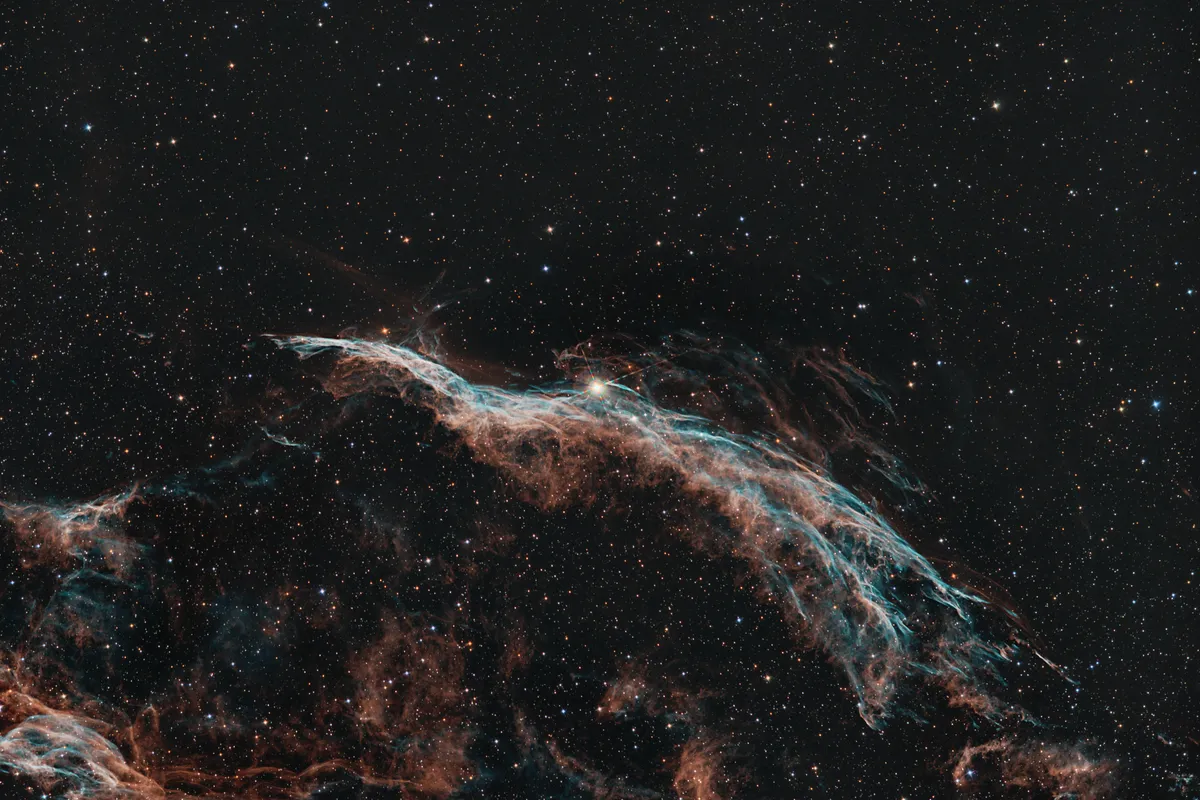
NGC 6960 / Western Veil Nebula
NGC 6960 Western Veil Nebula
The Veil Nebula is a supernova remnant located in the constellation Cygnus. It is the expanding remains of a massive star that exploded about 10,000 years ago. ### Target Details ...
⏱️ 14 Hours✨ Cygnus
Explore Acquisition Details →Target Gallery
Select any target for full telescope and camera technical specifications.
Deep Sky
⏱️ 14 Hours
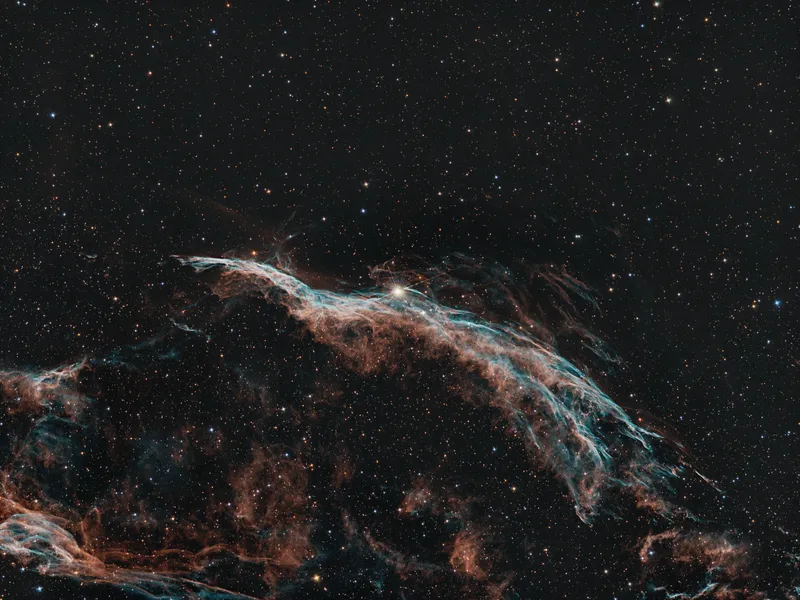
NGC 6960 / Western Veil Nebula
NGC 6960 Western Veil Nebula
View Capture Specs→
Deep Sky
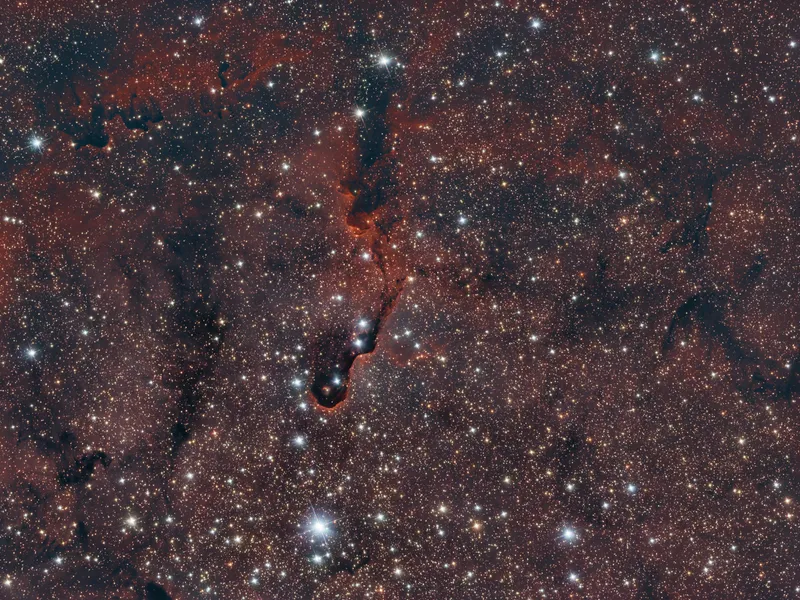
⏱️ 12.5 Hours
IC 1396A / Elephants Trunk
IC 1396A (Elephant's Trunk)
View Capture Specs→
Deep Sky
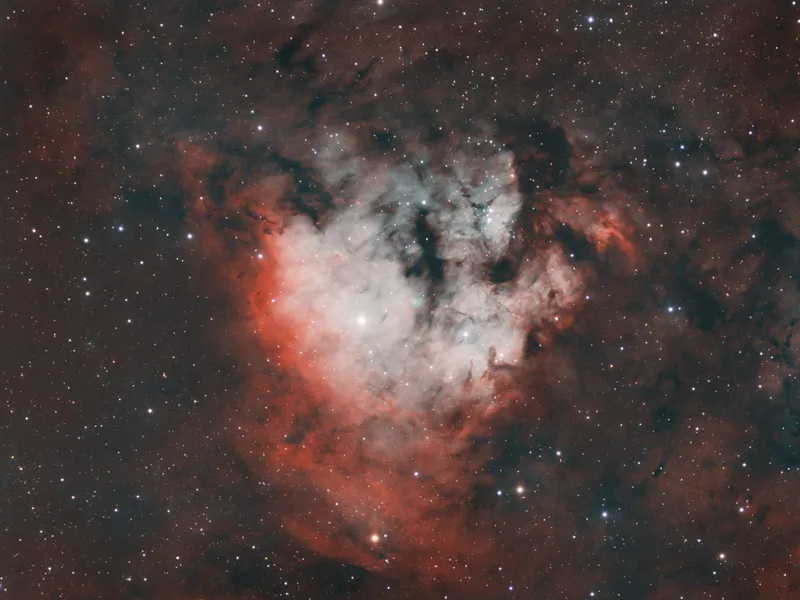
⏱️ 13.8 Hours
NGC 7822 / Sh2-171
NGC 7822 (Question Mark Nebula)
View Capture Specs→
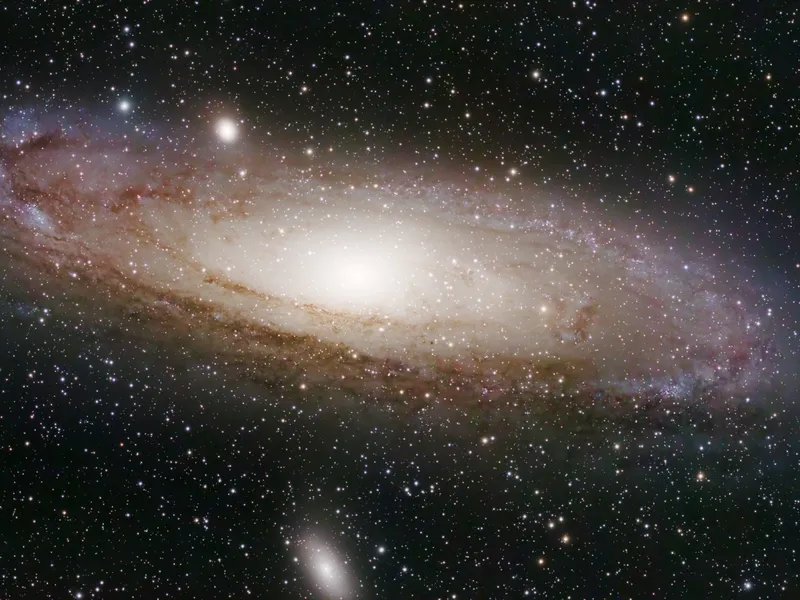
Deep Sky
⏱️ 2.3 Hours
Messier 31 / NGC 224
M31 Andromeda Galaxy
View Capture Specs→
Latest Field Logs & Tutorials
Observing trip reports and PixInsight processing guides.
📅 2026-07-30•⏱️ 3 min read
My HOO processing workflow in PixInsight
A step-by-step breakdown of my HOO narrowband processing workflow in PixInsight.
Read Article→
📅 2026-07-21•⏱️ 3 min read
Swapped scopes: CarbonStar 150 & sorting out collimation
Replaced my 80ED refractor with a Carbonstar 150 reflector and swapped my old Orion guide camera for an ASI120MM mini.
Read Article→